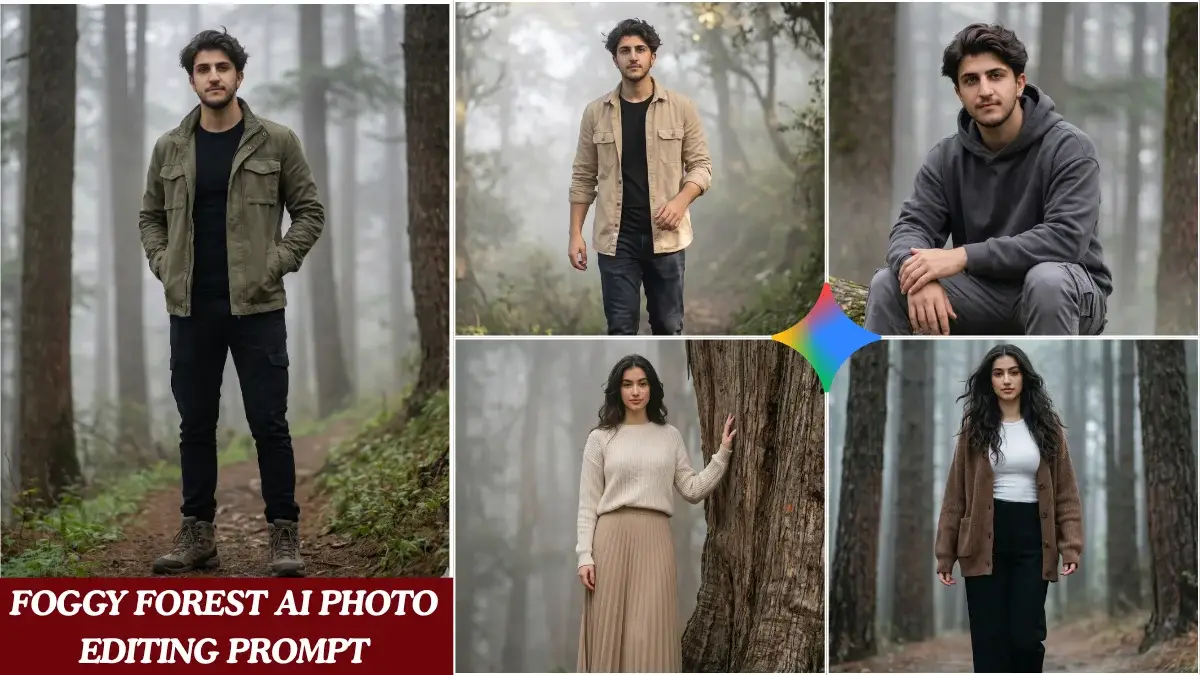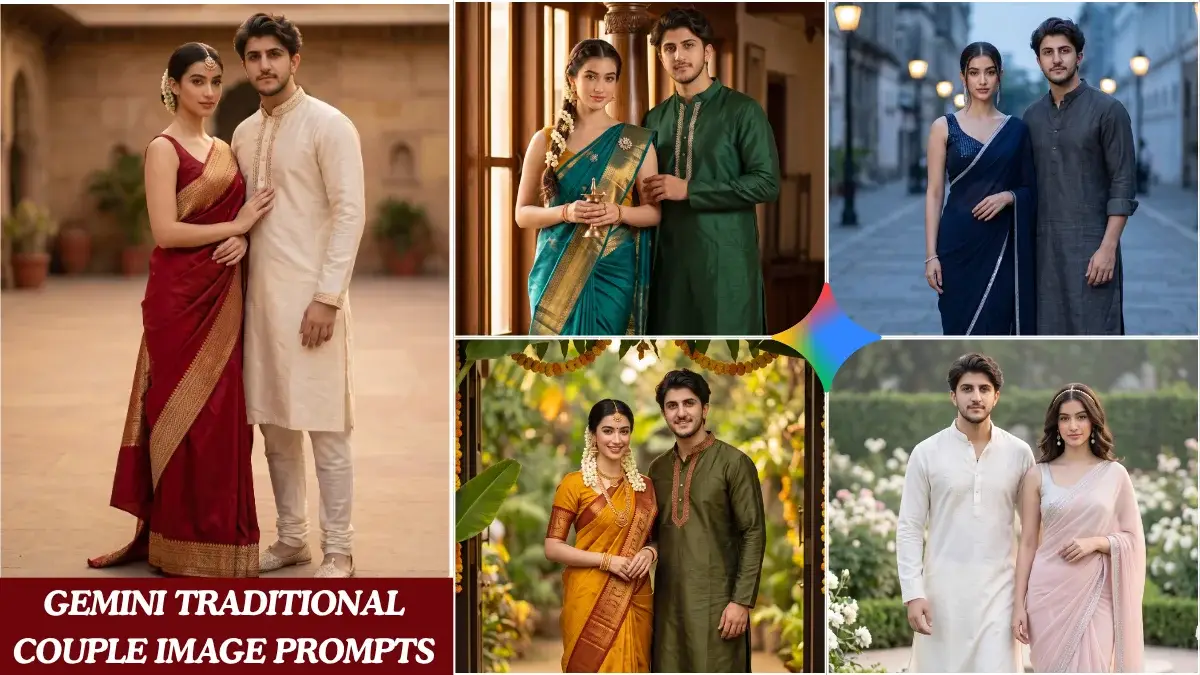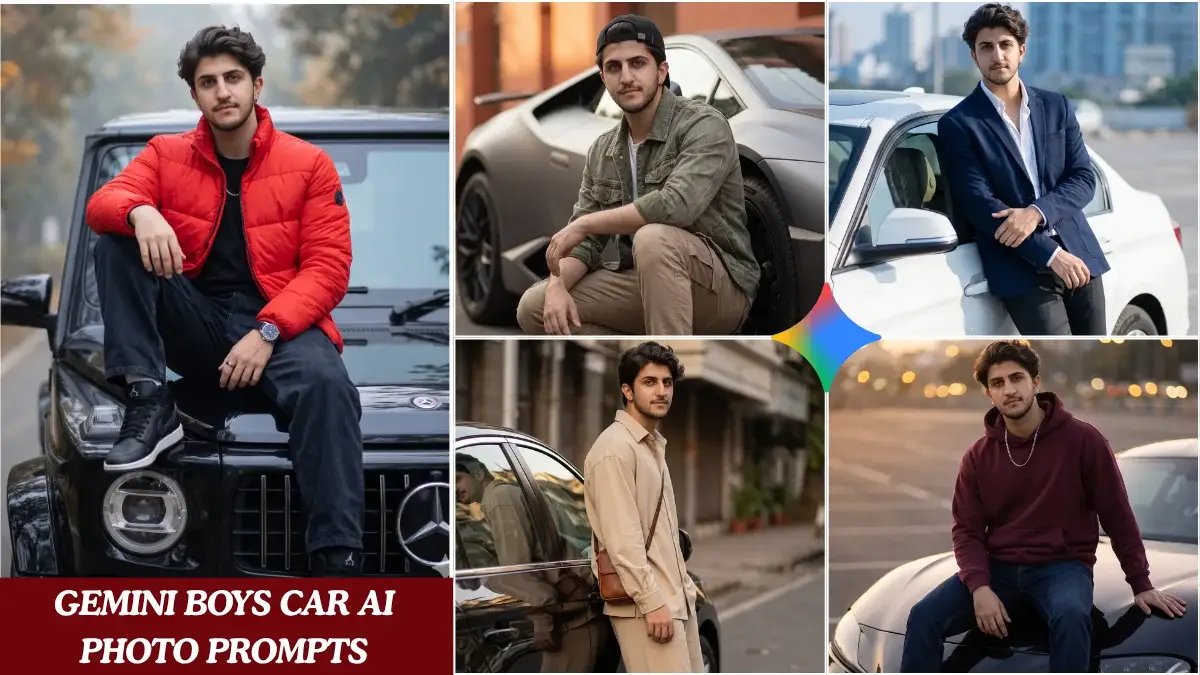

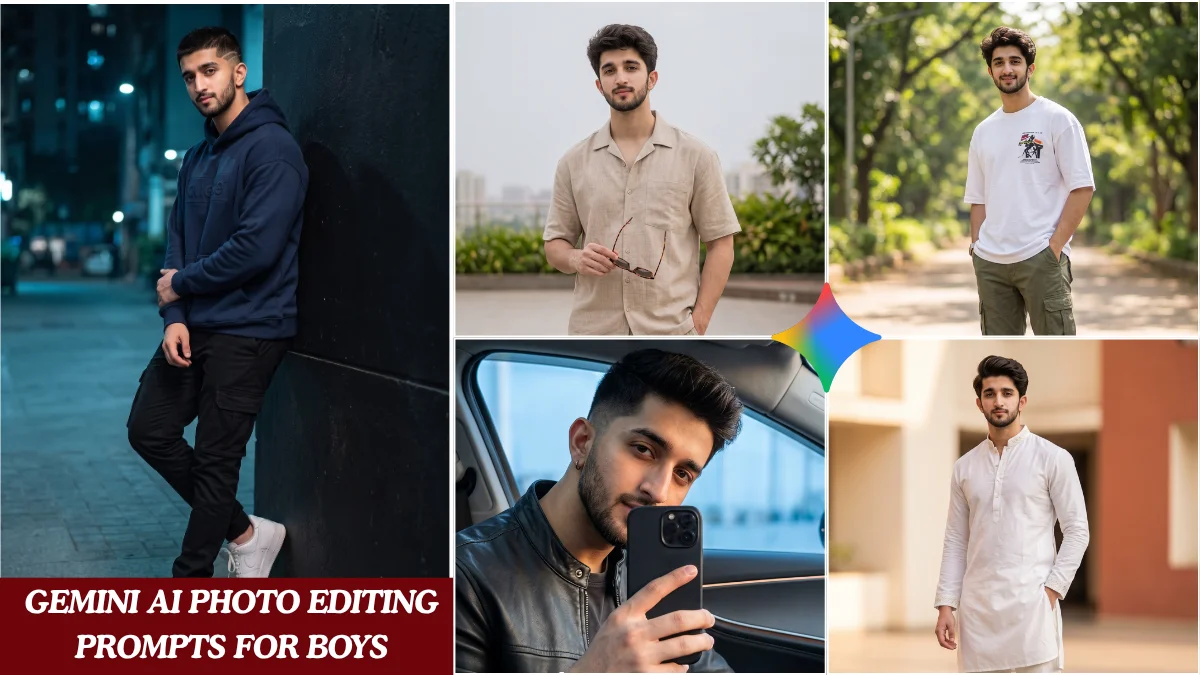
In today’s digital landscape, a compelling profile picture is more than just an image; it’s a statement. For many young men, capturing that perfect shot—one that exudes confidence, style, and a touch of cinematic flair—can often feel like a professional endeavor. Fortunately, the power of artificial intelligence is now within reach, ready to elevate your photos from ordinary to extraordinary.
Gemini AI, Google’s advanced multimodal AI, offers incredible capabilities for image generation and manipulation. With the right prompts, you can transform your everyday selfies and snapshots into Instagram-worthy masterpieces, giving your online presence a significant boost without needing complex software or advanced editing skills.
This guide will walk you through crafting effective Gemini AI photo editing prompts specifically designed for boys looking to achieve those coveted cinematic results. We’ll explore various styles and provide the building blocks to create stunning, personalized visuals that truly stand out.
Key Takeaways for Next-Level Profile Pictures
- Gemini AI empowers users to achieve professional-grade photo edits with simple text prompts.
- Effective prompts combine descriptive keywords, stylistic elements, and technical specifications.
- Tailoring prompts to specific aesthetics (e.g., urban, adventure, futuristic) yields unique results.
- Iterative prompting and understanding AI nuances are crucial for refining your desired output.
- These techniques are designed to create distinctive, high-impact profile pictures suitable for any platform.
Unleashing Gemini AI’s Potential for Dynamic Photos
Gemini AI isn’t just about making minor tweaks; it’s about reimagining your photos based on your creative vision. Think of it as having a professional photographer and editor at your fingertips, ready to interpret your instructions. The secret lies in learning to communicate effectively with the AI.
The goal isn’t just a “good” picture, but one that tells a story, evokes a mood, or showcases a specific persona. This often means moving beyond basic descriptions to incorporate elements of cinematic artistry. Understanding how to structure your prompts will be your greatest asset.
Before diving into specific prompts, it’s helpful to grasp the fundamental components that make an AI instruction truly powerful. A well-constructed prompt often includes subject details, desired style, lighting, setting, and specific camera angles or lens effects.
Crafting Prompts: The Art of AI Communication
Think of prompt engineering as directing a mini-movie for your AI. The more detail you provide, the closer the AI can get to your vision. It’s a blend of artistic direction and technical specification.
Here’s a quick look at essential elements for compelling Gemini AI prompts:
| Prompt Element | Description | Example Keywords |
|---|---|---|
| Subject Descriptor | Who or what is in the photo, including age, gender, and general appearance. | “Young man, athletic build, confident expression” |
| Setting/Environment | Where the photo is taken; adds context and atmosphere. | “Urban rooftop, foggy street, mountain peak, neon-lit alley” |
| Lighting/Mood | The quality of light and the overall emotional tone. | “Golden hour, dramatic backlighting, moody shadows, vibrant studio light” |
| Art Style/Aesthetic | The visual language or artistic influence you want. | “Cinematic, cyberpunk, vintage film, gritty realism, futuristic” |
| Camera/Lens Effects | Technical photography terms to specify visual characteristics. | “Wide-angle shot, bokeh effect, shallow depth of field, anamorphic lens flare” |
| Color Palette | Specific colors or overall color scheme. | “Teal and orange, monochrome, muted tones, vibrant primary colors” |
5 Powerful Gemini AI Photo Editing Prompts for Boys
Here are five distinct prompt categories designed to give your profile pictures that sought-after cinematic edge. Remember to adapt these with your specific details and desired outcomes.
1. The Urban Explorer Aesthetic: Gritty & Mysterious
This style focuses on cityscapes, street art, and a slightly rugged, introspective feel. Think dramatic lighting and architectural backdrops.
- Core Idea: A young man navigating an urban environment, evoking a sense of adventure or contemplation.
- Prompt Elements: “A young man, 20s, wearing a dark hoodie, standing on a rainy city street at night. Dramatic neon reflections, wet pavement, shallow depth of field. Cinematic, gritty, moody lighting, bokeh background blur. Shot on an iPhone 15 Pro.”
- Why it works: The prompt specifies subject, setting, weather, lighting, mood, technical effects, and even the camera, leaving little to chance.
2. Adventure Seeker: Epic Landscapes & Natural Grandeur
Ideal for those who love the outdoors, this prompt aims for breathtaking natural backdrops with a heroic, larger-than-life feel. Golden hour or dramatic weather often enhances this aesthetic.
- Core Idea: A confident figure against an awe-inspiring natural landscape.
- Prompt Elements: “Portrait of a young man, late teens, looking towards a vast mountain range at sunrise. Golden hour lighting, epic vista, lens flare. Adventurous, inspiring, high-resolution, wide-angle shot. Photorealistic.”
- Customization: Swap “mountain range” for “ocean cliffs,” “dense forest,” or “desert dunes.”
3. Futuristic Tech Innovator: Sleek & Modern
This style incorporates elements of cyberpunk, advanced technology, and a clean, often neon-infused aesthetic. It’s perfect for conveying a modern, forward-thinking persona.
“The future isn’t just about what’s new; it’s about how we envision ourselves within it. AI allows us to paint that picture instantly.” – AI Aesthetics Expert
- Core Idea: A sharp, modern individual in a high-tech or futuristic setting.
- Prompt Elements: “Headshot of a young man, early 20s, with a subtle cybernetic implant, in a dimly lit room with glowing blue and purple neon lights. Sleek, futuristic, high-contrast, sharp focus on eyes. Shot with a Sony A7R IV, 85mm lens.”
- Tips: Experiment with different color schemes like teal and orange for a classic cyberpunk vibe.
4. The Cinematic Portrait: Drama & Storytelling
This approach focuses on creating a portrait that feels like a still from a movie. It emphasizes strong emotions, dramatic lighting, and a compelling narrative implied within the single frame.
- Start with the Subject: Describe the person and their expression (“Intense gaze,” “thoughtful expression”).
- Add a Mood: Specify the emotional tone (“Somber,” “determined,” “mysterious”).
- Define Lighting: Crucial for cinematic feel (“Chiaroscuro lighting,” “single spotlight,” “natural window light”).
- Suggest Background: Keep it simple but impactful (“Blurred industrial background,” “dark, minimalist studio”).
- Refine with Film Terms: “Cinematic color grading,” “anamorphic aspect ratio,” “grainy film look.”
Example Prompt: “Close-up portrait of a young man, 18, with a serious, contemplative expression. Dramatic side lighting casting deep shadows. Cinematic, film noir aesthetic, high dynamic range. Shallow depth of field, blurry urban background.”
5. Vintage Cool: Timeless & Authentic
Embrace nostalgia with prompts that recreate the charm of classic photography. This style often involves sepia tones, black and white, or specific film stock emulation to achieve a timeless, authentic look.
- Core Idea: A classic, authentic portrayal with a retro photographic feel.
- Prompt Elements: “Portrait of a young man, 20s, wearing a leather jacket, leaning against a vintage car. Black and white photography, grainy film texture, classic 1950s aesthetic. Authentic, timeless, high contrast. Shot with a Leica M6.”
- Variations: Try “sepia tone,” “polaroid filter,” or “1970s street photography style” for different eras.
Tips for Maximizing Your Gemini AI Photo Edits
Getting the perfect image often requires a bit of experimentation. Don’t be afraid to iterate on your prompts, adjusting keywords and details until you hit the mark.
- Be Specific: The more precise your descriptors, the better the AI can interpret your vision. Avoid vague terms.
- Use Negative Prompts: Many AI tools allow you to specify what you *don’t* want to see (e.g., “ugly, deformed, blurry”). This helps refine the output.
- Experiment with Adjectives: Words like “vibrant,” “muted,” “sharp,” “soft,” “gritty,” and “clean” can dramatically alter the mood.
- Reference Artists/Styles: Mentioning specific photographers, directors, or art movements can guide the AI towards a desired aesthetic (e.g., “inspired by Roger Deakins,” “Rembrandt lighting”).
- Quality of Original Image: While Gemini AI can do wonders, starting with a reasonably clear base image usually yields better results.
Frequently Asked Questions
What exactly is Gemini AI, and how does it edit photos?
Gemini AI is Google’s advanced, multimodal artificial intelligence model. When it comes to photo editing, it interprets text prompts to generate or modify images. It can adjust lighting, add elements, change styles, or even create entirely new scenes based on your descriptive input, essentially acting as a highly sophisticated digital artist.
Do I need advanced technical skills to use these Gemini AI prompts?
Absolutely not. The beauty of AI tools like Gemini is their accessibility. You simply input text descriptions—your prompts—and the AI handles the complex image manipulation. While understanding how to craft effective prompts helps, no prior photo editing software experience is necessary.
Can Gemini AI truly create cinematic-quality images from basic photos?
Yes, it often can. By specifying elements like “dramatic lighting,” “shallow depth of field,” “anamorphic lens flare,” or “cinematic color grading,” you instruct the AI to apply professional film-making techniques. The results can be surprisingly close to what you’d see in a high-budget production, especially for profile pictures.
Are these specific Gemini AI prompts only for boys?
While these prompts are tailored with aesthetics often popular among young men in mind (urban, adventure, tech, gritty), the core principles of prompt engineering are universal. Anyone can adapt these ideas by swapping out subject descriptors or adjusting the desired mood to fit their personal style or gender identity.
What makes a “good” AI photo editing prompt?
A good prompt is detailed, specific, and clear. It should tell the AI not just *what* is in the image, but *how* it should look—including lighting, mood, artistic style, and even simulated camera effects. The more context and descriptive adjectives you provide, the better the AI can align with your creative vision.
Conclusion
Creating eye-catching, cinematic profile pictures for social media no longer requires expensive equipment or years of editing practice. With Gemini AI and a well-crafted prompt, you hold the power to transform your digital presence.
By understanding the components of effective prompts and experimenting with different styles, you can consistently generate images that reflect your personality and capture attention. Dive in, experiment, and let your creativity shine through the lens of artificial intelligence.
Your next viral Instagram DP or standout profile picture is just a prompt away. Start exploring these Gemini AI photo editing prompts for boys today and watch your online persona level up.